Troubleshooting
Resolve common activation, catalog, validation, partial, packaging, and documentation issues.
No HTMX completion or hover
Confirm the document language mode is HTML or Django HTML and the extension is enabled. For Django templates, install and enable batisteo.vscode-django, then reload VS Code.
If ordinary HTML attributes do not show HTMX hover text, that is expected: unrecognized attributes intentionally produce no HTMX hover, warning, or log noise.
If activation shows a message that the catalog could not be loaded, the packaged htmx.catalog.json is missing or unreadable; reinstall the extension. The extension deliberately disables its providers for that session rather than failing silently.
Missing data-hx-* suggestions
Start the attribute prefix with data- or data-hx. The default list intentionally contains canonical hx-* names only, so aliases do not double every completion result.
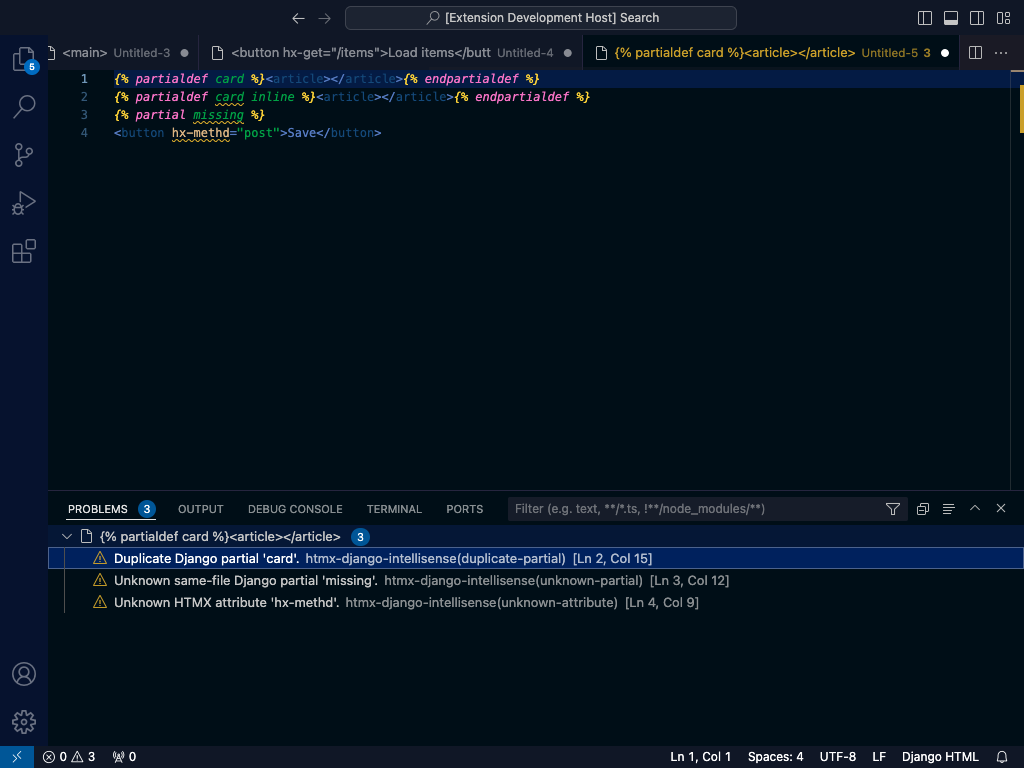
Unexpected diagnostic
Check htmxDjango.version. compatible accepts the HTMX 2/4 union without version hints; 2 and 4 surface other-major syntax as hints. Values containing {{ ... }} or {% ... %} are not treated as invalid literals.
Catalog regeneration fails
Catalog generation downloads pinned HTMX release archives. Check network access and that v2.0.11 and v4.0.0 remain available, then run:
Use git diff -- htmx.catalog.json to review the result. The installed extension does not perform this network operation.
Documentation build fails locally
Install docs dependencies and use a writable cache:
uv sync --project tools --group docs
uv --cache-dir .cache/uv run --project tools --group docs zensical build --clean --strict
For a VSIX that is unexpectedly large, run npx vsce ls --tree; source, tests, docs, caches, and Python tooling should be excluded.