Author HTMX
Use attribute, value, alias, and dynamic-name completion in supported HTML and Django template files.
Add an attribute
Within an opening element, type hx- and select an item. A normal selection inserts an empty quoted value with the cursor inside it.
If an = or quoted value already exists, completion replaces only the attribute name and does not duplicate punctuation.
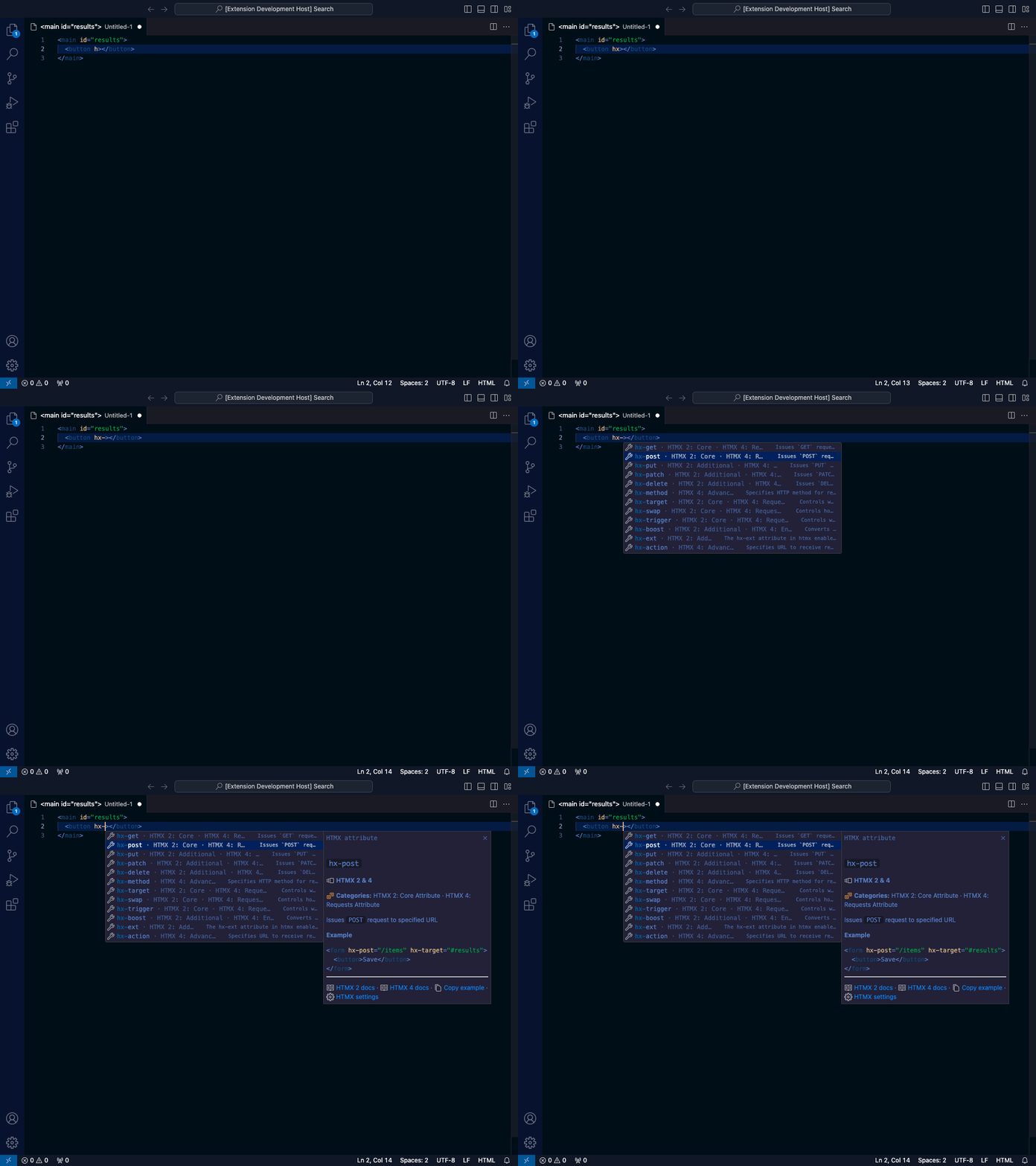
Complete a documented value
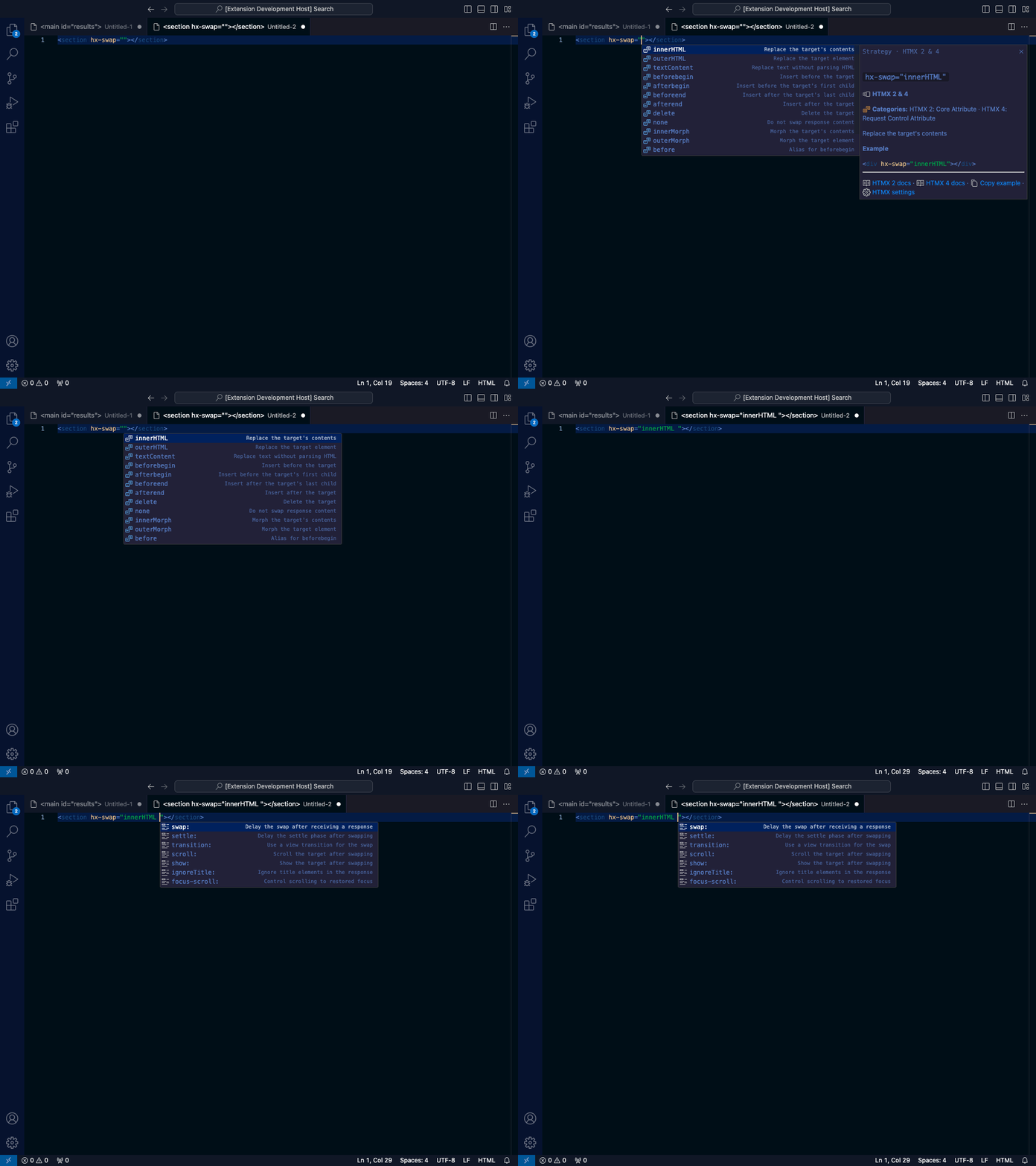
Request completion inside the value of an attribute with catalog-backed values:
<div hx-swap="">
</div>
<input hx-trigger="keyup changed delay:"/>
<section hx-target="closest ">
</section>
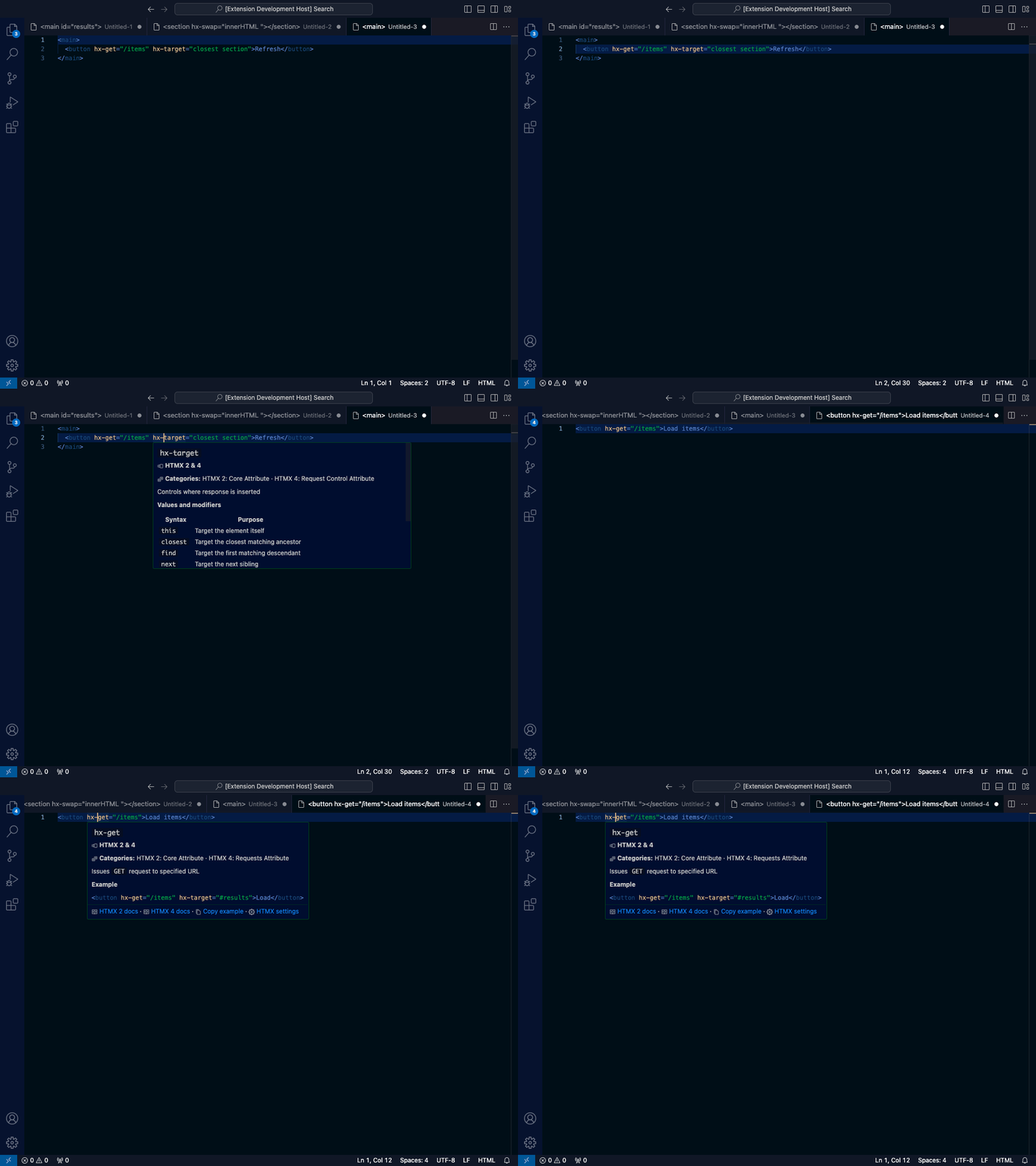
hx-swap provides swap strategies; hx-trigger provides event and modifier fragments; hx-target provides target forms. Hover an attribute for its version availability, suggested values, and official HTMX links.
Read attribute documentation
Hover a recognized hx-* or data-hx-* name for concise behavior, version availability, documented values, and official HTMX links.
Use data-hx-*
Start with data-hx when your HTML policy requires data attributes:
The catalog stores only hx-*; aliases have identical completion, hover, and diagnostic behavior.
Use dynamic syntax
hx-target-* response-target syntax is catalogued as HTMX 2 extension syntax. hx-status:* is HTMX 4 syntax. Select a version mode if you want those differences surfaced as editor hints.
Fix a diagnostic
Place the cursor on an underlined HTMX diagnostic and open the quick-fix menu with Ctrl/Cmd+. (or the lightbulb). Each diagnostic offers a targeted edit:
- A misspelled attribute such as
hx-methdsuggests the nearest catalog name (hx-method) and preserves adata-prefix. - A deprecated attribute offers its documented successor, for example
hx-varstohx-vals. - An invalid documented value offers each allowed value for the attribute.
The preferred fix is highlighted first, so Ctrl/Cmd+. then Enter applies the most likely correction.